
Regroup provides API access as a premium add-on. You must contact Regroup to enable the Add-on. Once the add-on is enabled, you can navigate to the API Access add-ons page to get your API Key and API Secret
Here is how you do it:
-
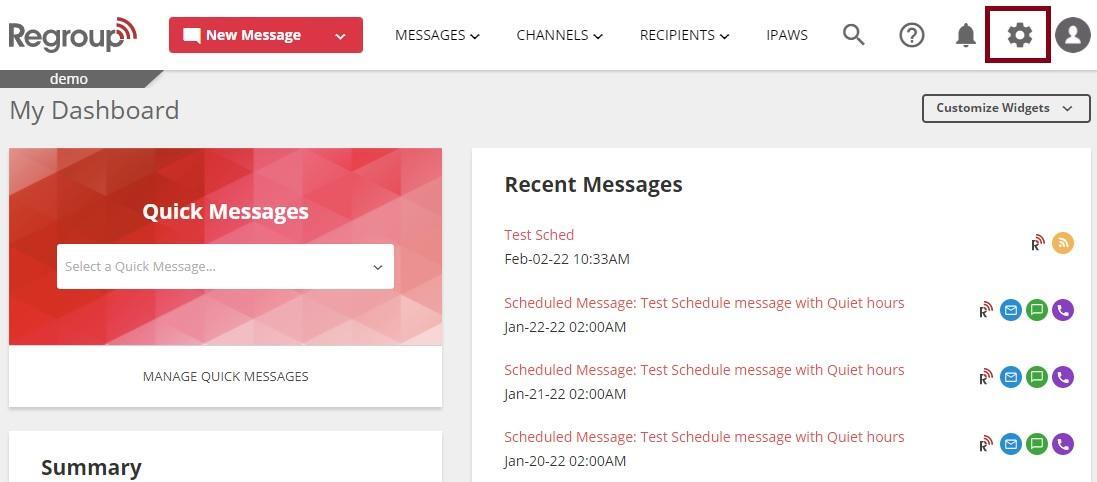
Click the Organization Settings icon on the top right corner.
See the following image:
-
Click the Add-ons tab on the left navigation panel.
See the following image:
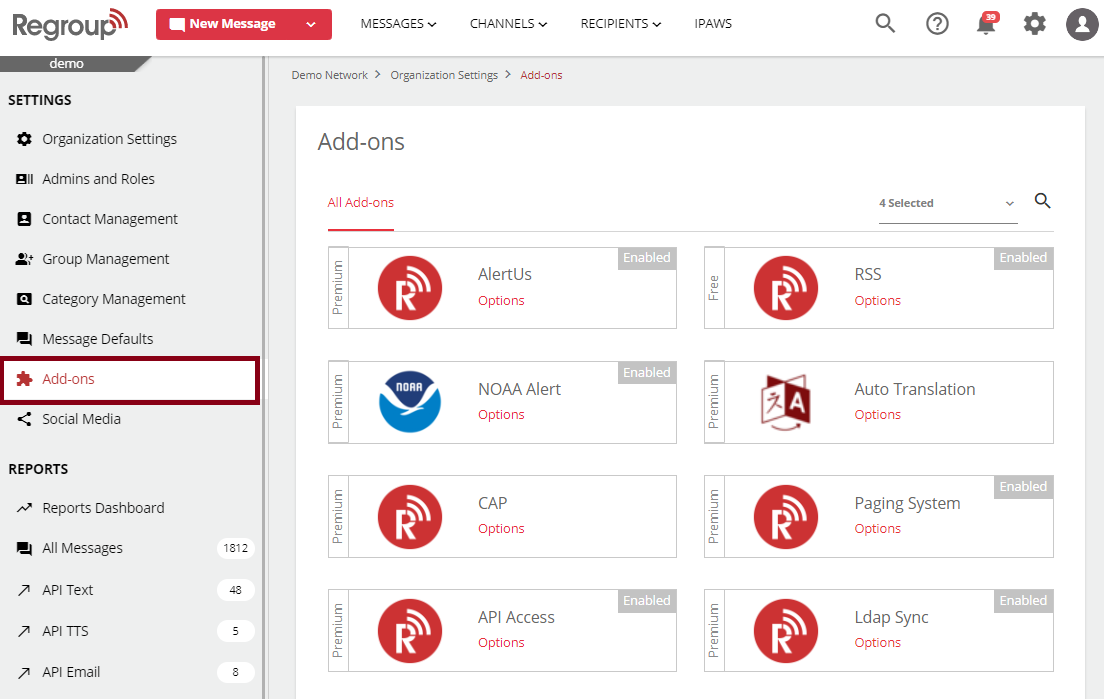
The add-ons page appears with all add-ons.
-
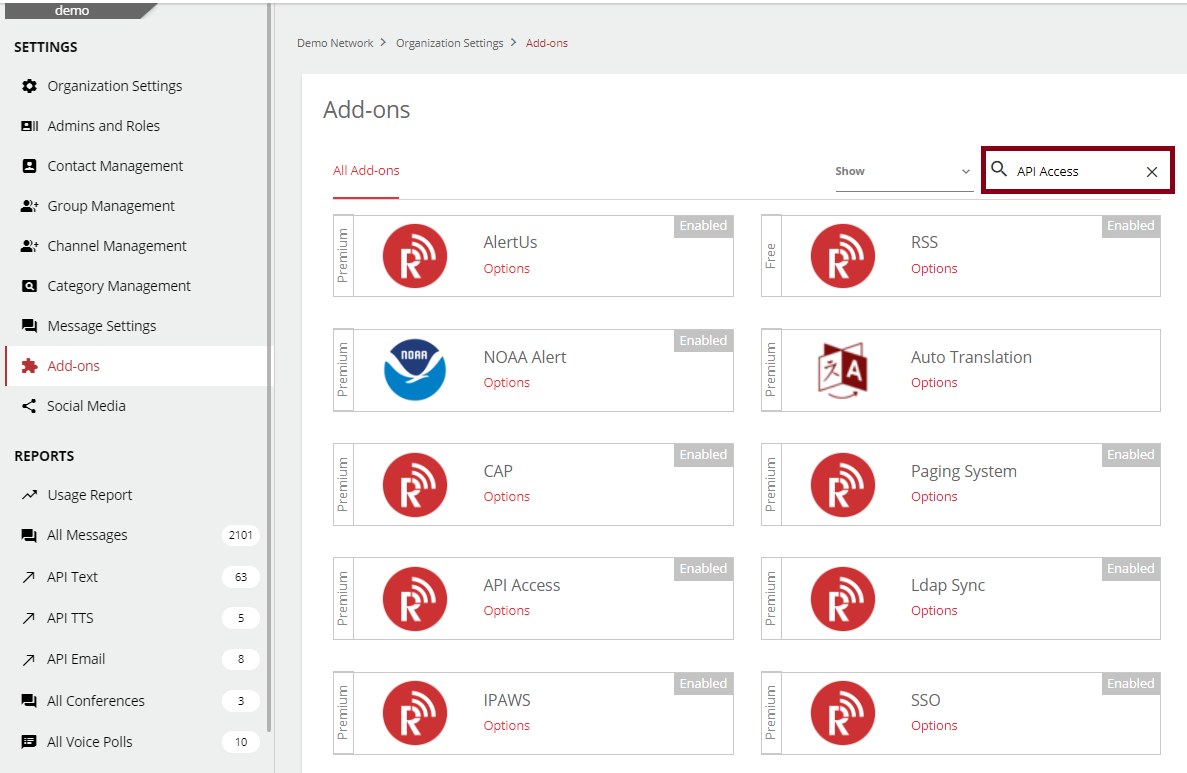
Search for the API Access add-on> click the search field, enter the add-on’s name, and click enter on your keyboard.
See the following image:
-
Click Options on the required add-on tile. See the following image:
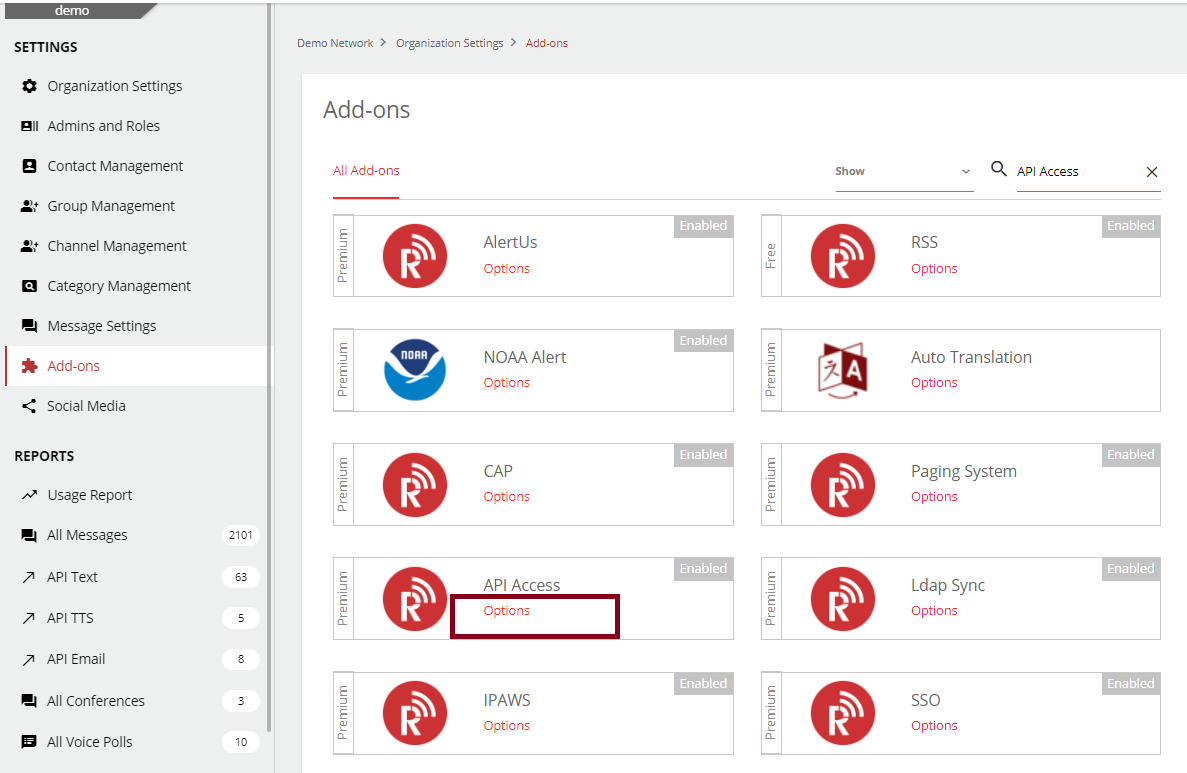
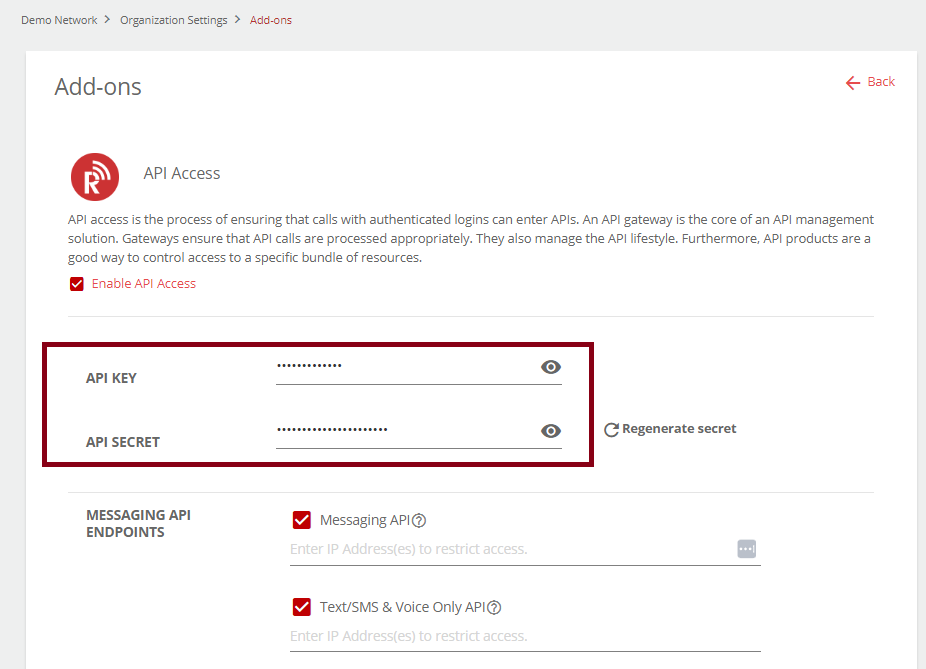
The Add-ons page opens with the API Key and API Secret. See the following image:
-
You can click the checkbox corresponding to any required API endpoints and enter the IP addresses in the field provided. You can enter multiple IP addresses separated by commas (,).
See the following image:
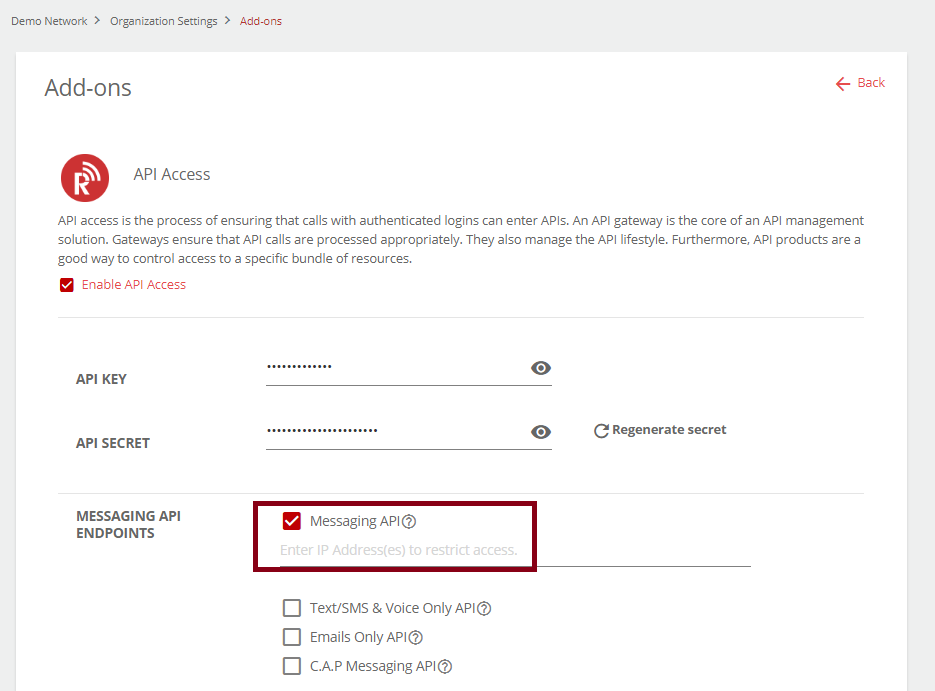
The available API End Points are:
-
Messaging API End Point:
-
Messaging API
-
Text/SMS & Voice Only API
-
Emails Only API
-
C.A.P Messaging API
-
-
Membership API Endpoints:
-
Group Management API
-
Reports API
-
Contact Management API
-
User Management API
-
Channel Management API
-
-