
Here is how you delete a channel:
-
Here is how you delete a channel:
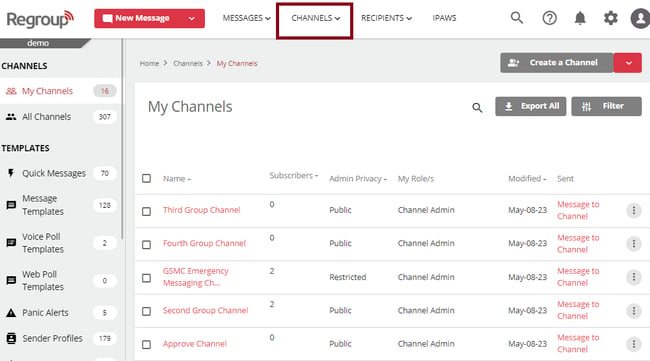
The My Channels page opens.
-
Search and locate the channel to delete in the My Channels tab. The organization admins can delete channels on the All Channels tab too.
-
Click the vertical ellipsis corresponding to the required channel and click Delete Channel. See the following image:
A confirmation message opens.
-
Enter Yes in the text field to confirm the deletion. See the following image:
-
Click Delete.
You get a message confirming the deletion of the channel.