
The Incident Message Report page provides a holistic view of incident notification delivery activity across multiple communication channels.
To access an incident message report.
-
Navigate to an incident details page.
-
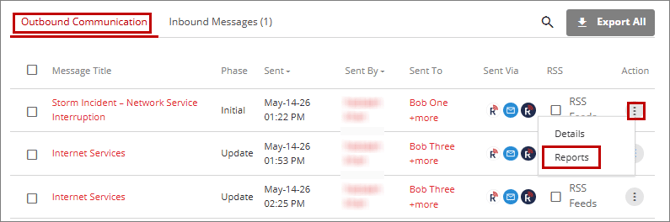
On the incident details page, click the Outbound Communication tab.
-
Locate the message for which you want to view the report, and then click the ellipsis (...) icon corresponding to that message.
-
From the dropdown menu, click Reports.
For information about the options available on the Reports page, refer to the Export Sent Message Reports topic from step 3 onward.