Overview
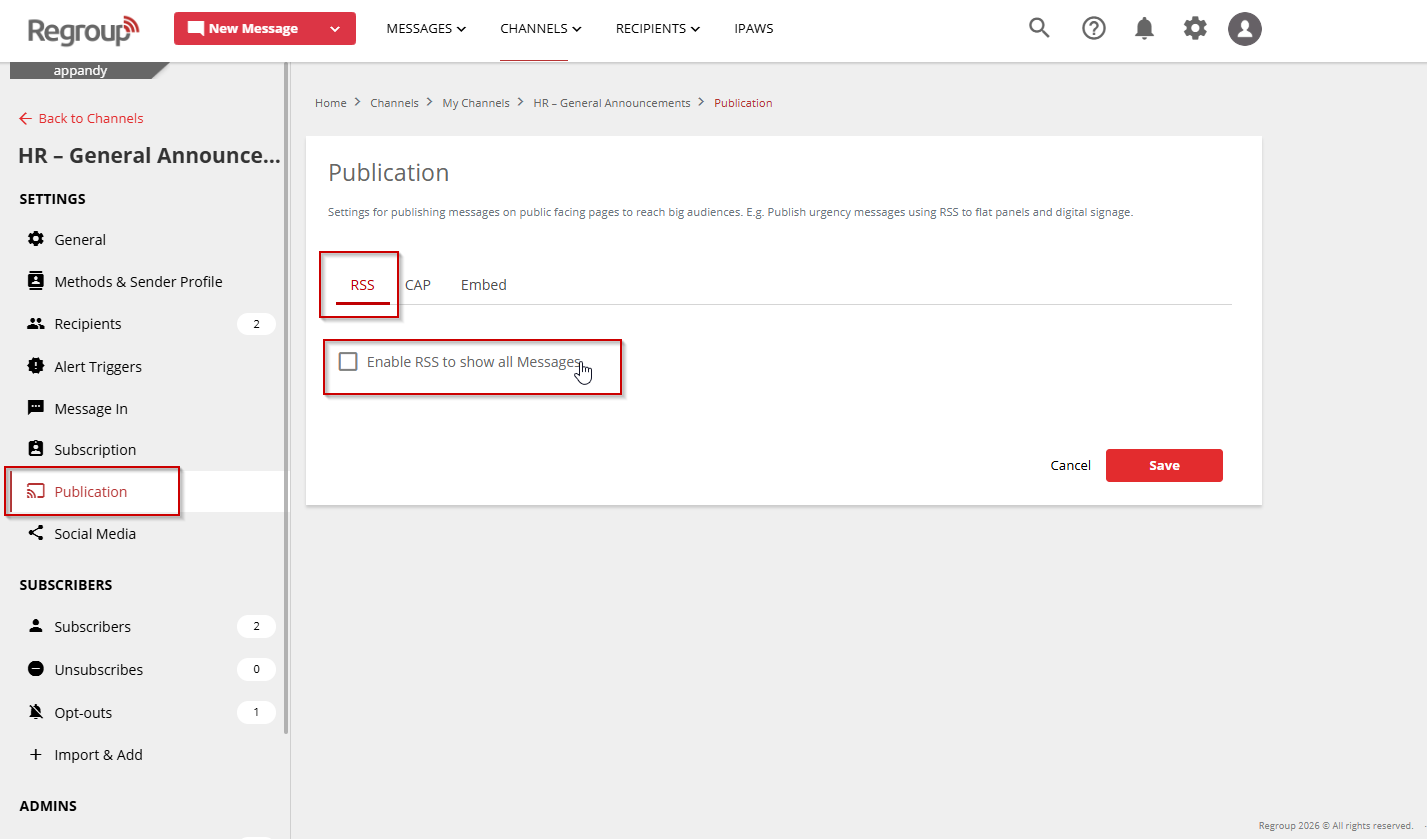
You can update an existing sender profile at the organization level by selecting it as your default sender profile. This ensures all messages use the correct sender information across your organization.
Steps
-
Click the Organization Settings icon in the top-right corner of the page.
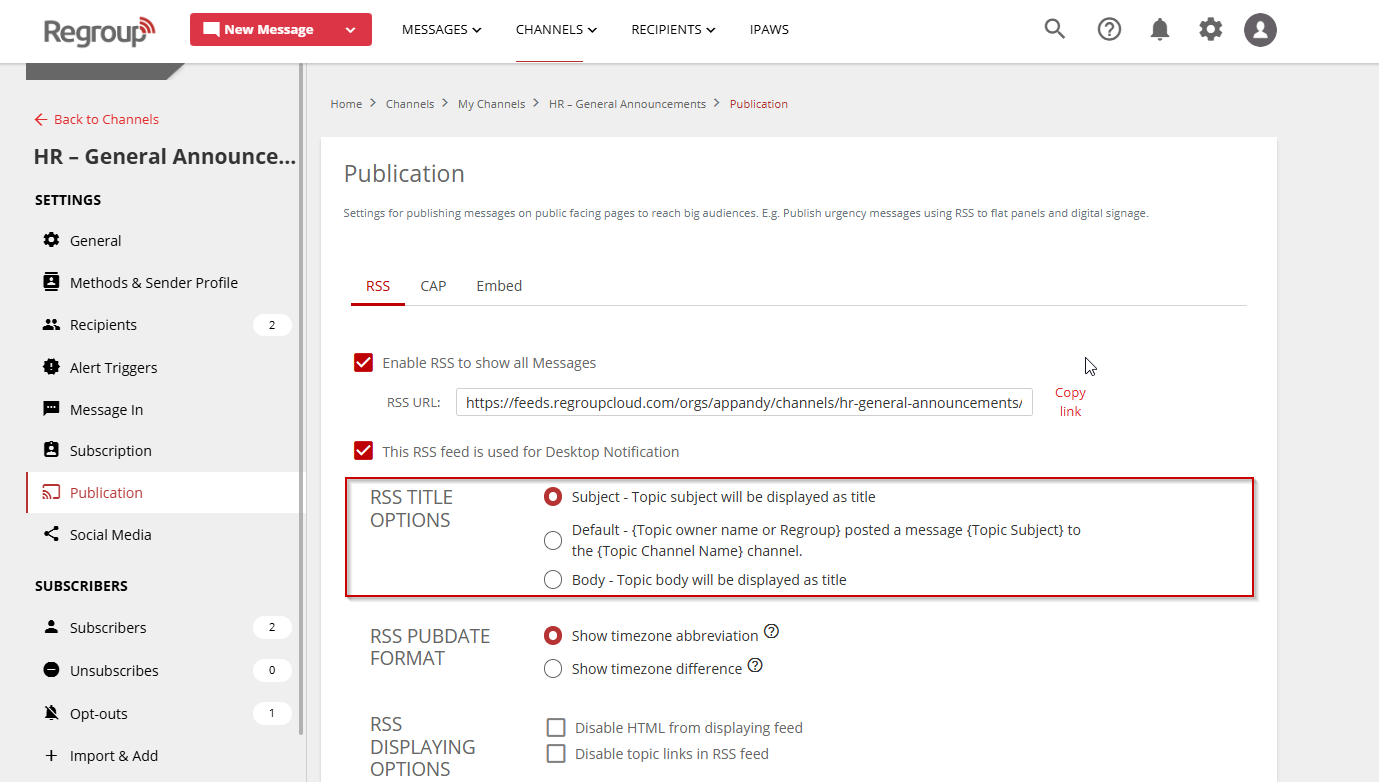
- Click Message Settings in the left navigation panel.
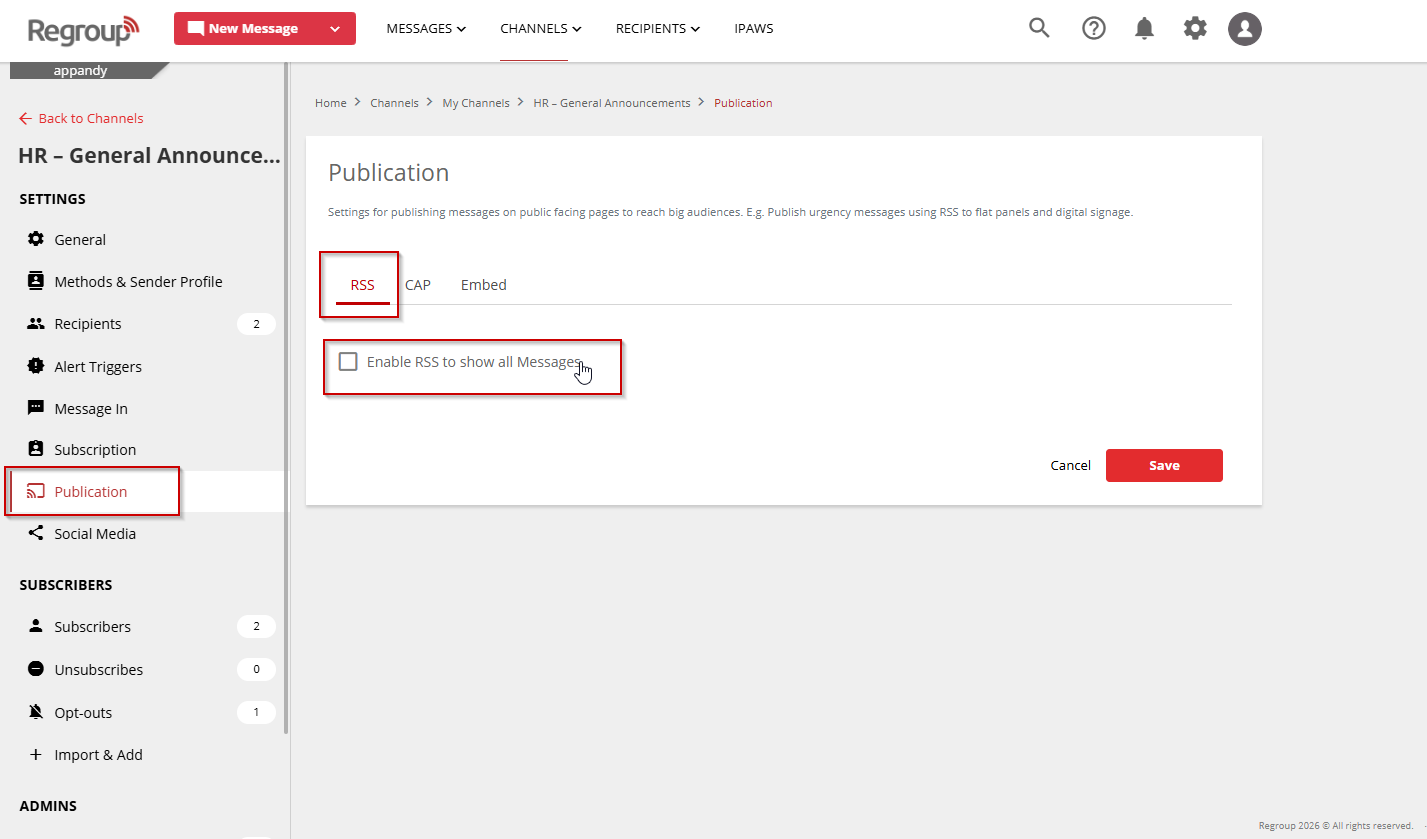
- Scroll down to the Sender Profile section.
- From the dropdown list, select the sender profile you want to update.
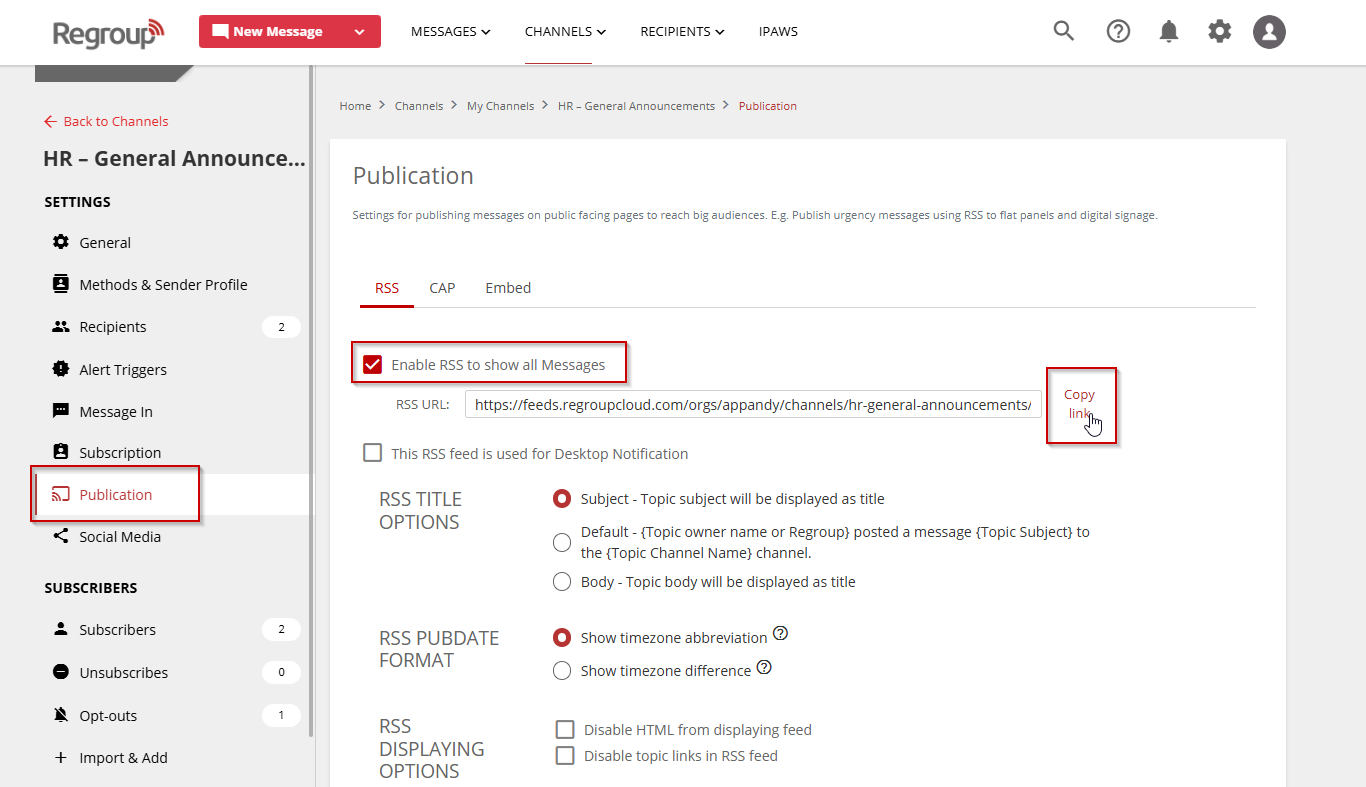
- From the dropdown list, select the sender profile you want to update.
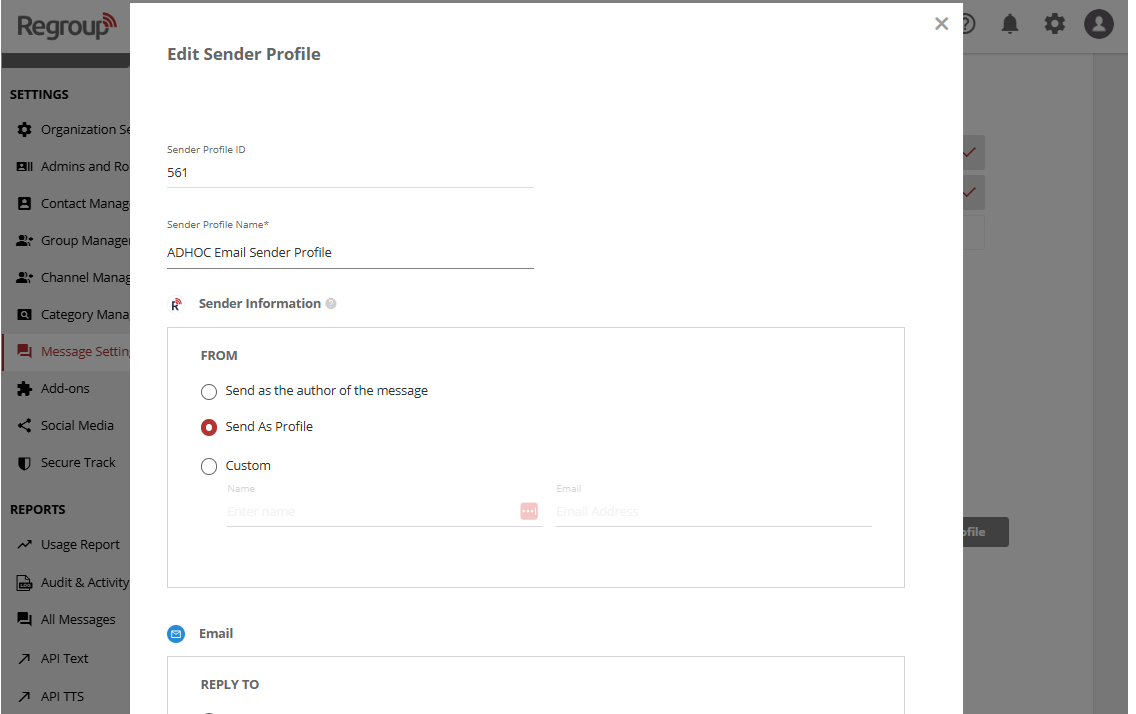
- Click View Profile Info.
- The Edit Sender Profile page opens. Update the necessary fields as needed. For more details about available fields, see Create Sender Profiles.
- Click Update.
A confirmation message appears once the sender profile is successfully updated.