
When you add an admin to your organization, they receive an email with their sign-in details. Use the details found in the email to log into the Regroup application as follows:
- Click the Regroup application link.
Tip: The Regroup application link for your organization appears like this: https://ORGANIZATION-CODED-NAME.regroup.com/signup.
The login to the Regroup page will open. - Click on the Click here to log in if you are an admin option. You will then see the following image:
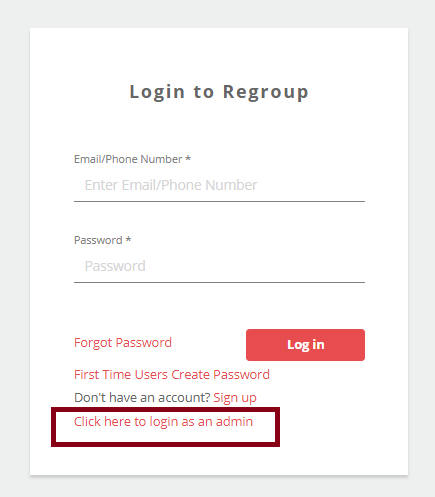
If you don’t see the Click here to login if you are an admin option, you are already on the admin login page. - Enter your Email ID or Phone Number in the Email/Phone Number field.
Note: You can log in using any unique phone number and primary email address corresponding to your profile. You cannot log in using a phone number that is used in more than one profile. - Enter your password in the Password field.
- Click Log in.
You will see the following image: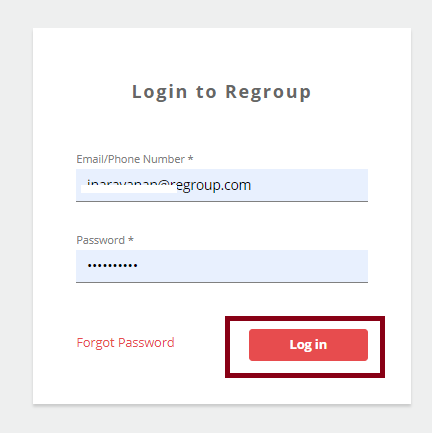
When the sign-in is successful, the Regroup application home page opens.