
Here is how you leave a group:
- Navigate and log in to the Regroup Mobile application.
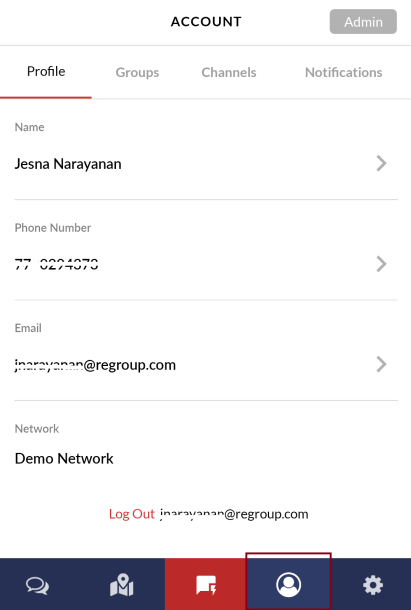
- Click the Profile icon on the bottom right corner. The following image shows the profile icon:
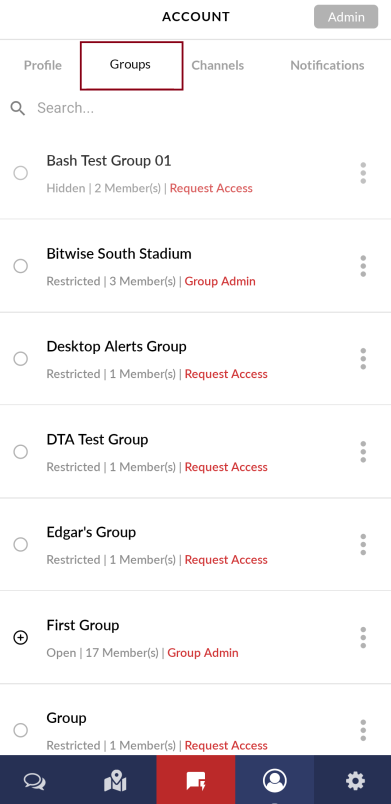
- Click the Groups tab. The following image shows the groups tab:
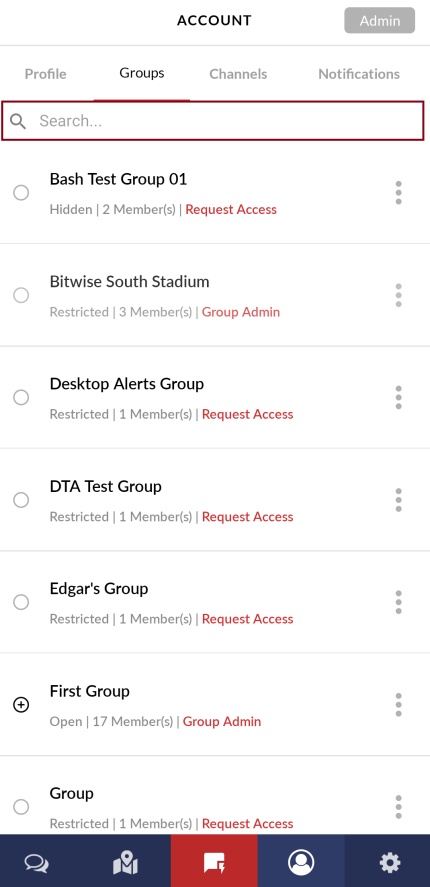
- Click the Search bar to search and locate the required group. The following image shows the search bar:
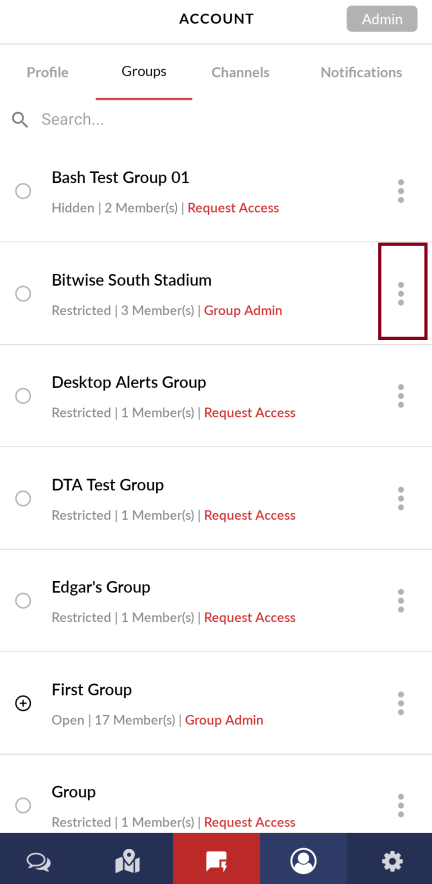
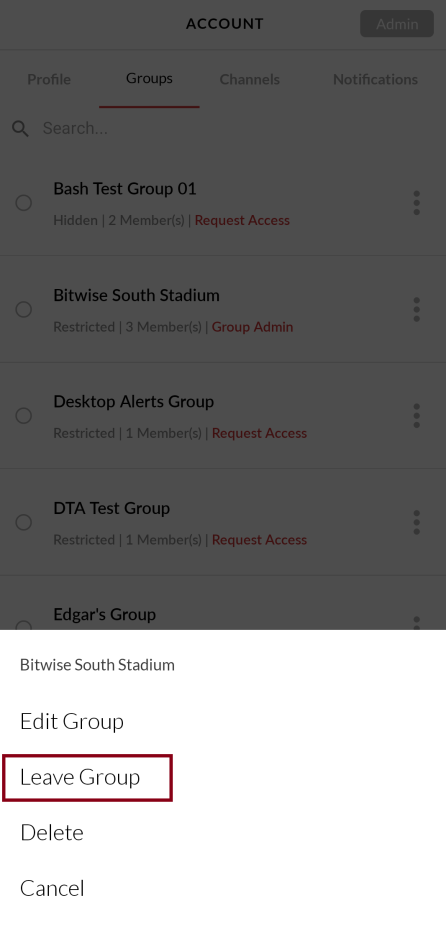
- Click the vertical ellipsis corresponding to the group you want to leave. The following image shows the vertical ellipsis:
- Click Leave Group. The following image shows the leave group button:
- Click Leave to the confirmation message. The following image shows the leave button:
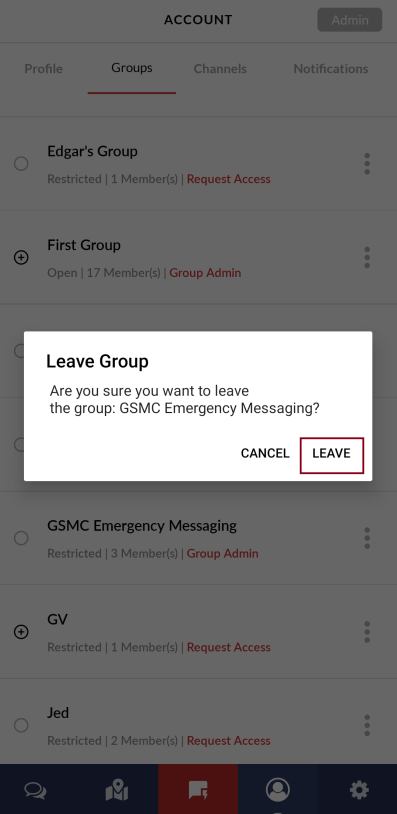
Now you’ve successfully left the selected group.